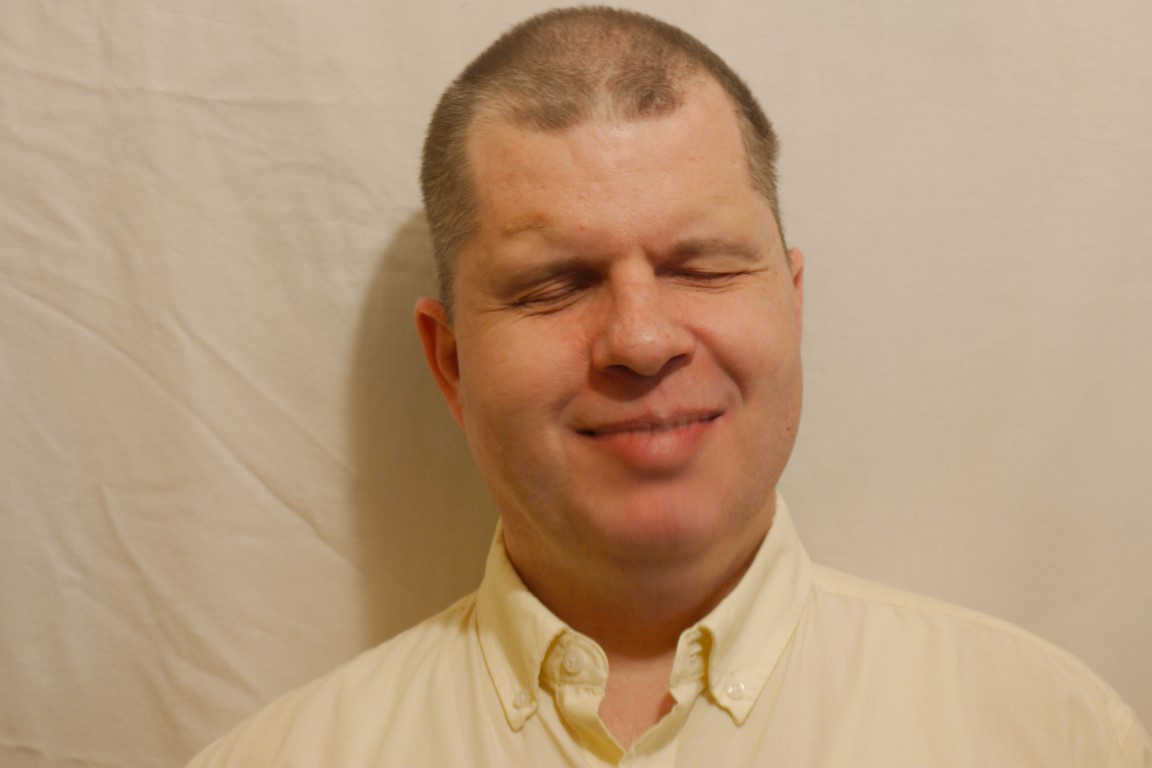
My name is Tom Babinszki, from Ohio, United States. For the last 25 years, I have been an accessibility consultant and leader at organizations of all types and sizes.
I understand how to make digital content and the environment inclusive and accessible for people with disabilities.
We also provide 3D design and printing to create tactile objects for visually impaired people, I am currently working with four designers who are experts in different areas such as maps, buildings, art or educational tools.
Please note that while the blog portion of the site is about travel for blind people, all services include solutions for people with all types of disabilities.
I was born completely blind in Hungary. Against all the odds I had those days, I got a lot from life, especially compared to most blind people I grew up with. Over the years, as I was traveling around the world, I frequently received two questions. One was about how blind people get around, and how to ensure that public services are available and enjoyable for blind people while they travel.
This is why this site was born. There is a lot to say about these two things, so I decided to try to give an answer. The blog is not about me, it is about blindness and travel, though I will illustrate some things through my personal experience. My passion is to make travel more accessible and more enjoyable for blind people. I would like to contribute to a future where the experience of travel is equally available to blind people.
Why is travel different for blind people?
Sighted people receive the majority of information through their eyes. If they are curious about what something looks like that’s not available locally, they can just find a picture or watch a video about it. For blind people, it either has to be an explanation, or they have to touch it. However, even during travel, there are so many things which are impossible to touch, for example an artifact behind glass, or the top of a building. Not to mention that sometimes getting to places also isn’t without challenges. This alone, will probably give me a lot to write about for the years to come.
What qualifies me?
Being blind alone would not qualify me to talk about blindness, but I spent the last 30 years consulting with large companies, government agencies or non-profit organizations to help them make their services, technologies and environment usable for people with all kinds of disabilities.
Over the years, I have visited many places, mostly on my own. Partly for business, but also in my free time. I always have a next trip in the planning. I was exposed to many challenges blind people face at different parts of the world, and I have experienced excellent solutions. Curiosity and travel have been an important part of my life. I also speak several languages, which allowed me to get different perspectives from people.
Is only blindness covered?
There is so much to say about accessibility in general that one blog is not enough to cover it. For the blog itself, I have concentrated on blindness because there are other excellent resources which cover other disabilities, and also blindness is what I know best.
I feel that I got so much from life that other blind people don’t get that it is my vocation to make more things available to other blind people who currently don’t have it.
Note that specific initiatives, such as my disability awareness training, are wider in scope.
Who is the blog for?
When I dreamed about starting this blog, I particularly had those people in mind who want to learn more about blindness for any reason. Maybe they have a blind child or a relative, maybe they provide services and they would like to ensure that it is accessible for blind people, or just interested. This blog is not particularly for blind people, they probably know most of what I have to say, though in the future there will be many resources that they would find useful or interesting.
Get in touch
I would like to hear your feedback about the blog, or anything that may interest you.
The best way to contact me is to sign up to my newsletter and send a reply, or through the contact form.